Contents
Inspiration
I went on a walk and reflected on relatable ways to explain my experience with AI to other UX folks. At previous employers, I used Copilot and internally developed platforms to execute custom data blends and predictive analytics, populating Tableau or Power BI dashboards. In my consultancy era, I built an end-to-end workflow to develop and launch a digital product.
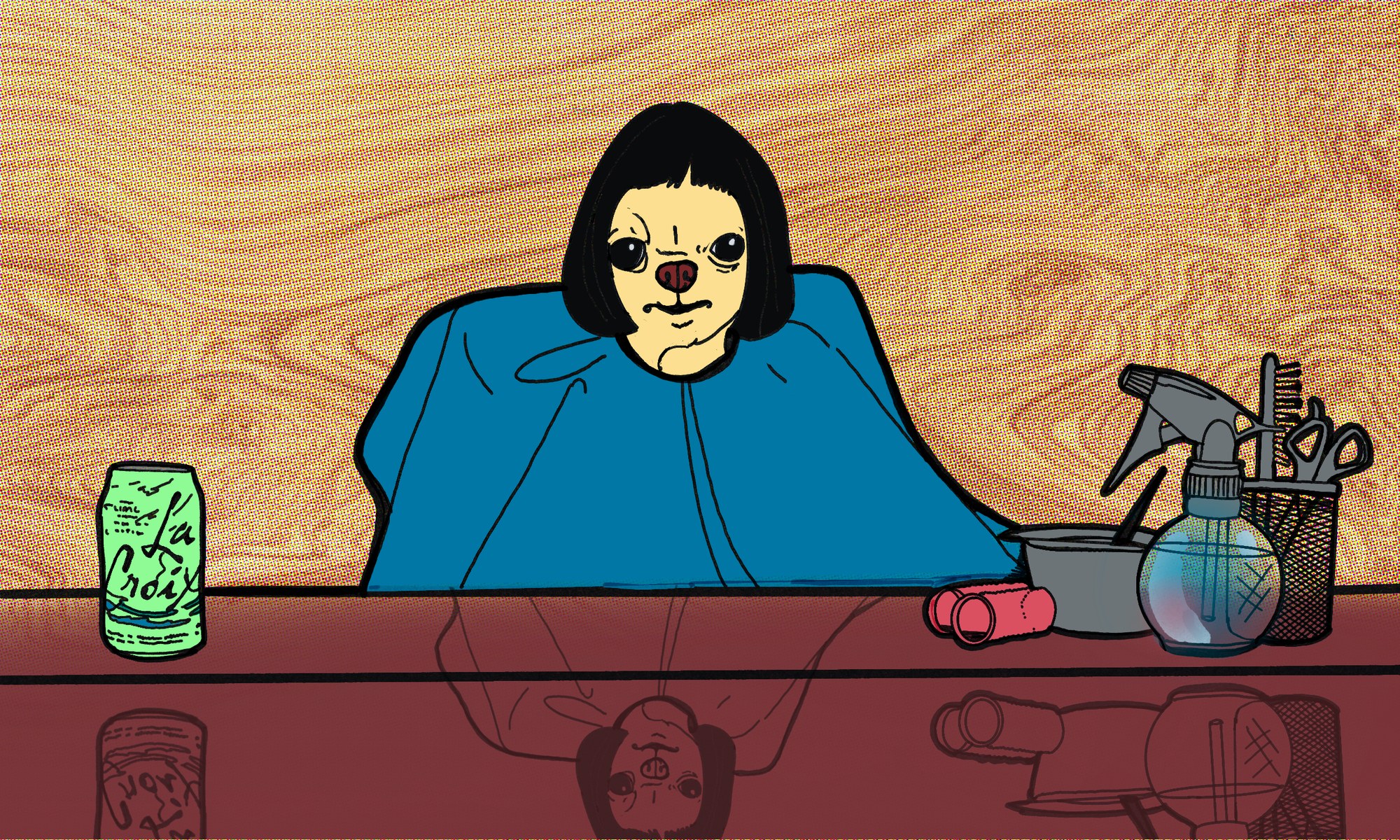
I also recently got a haircut. In a very Rick Rubin sort of way, my creative antennae received a message from the collective consciousness. I couldn’t sleep a wink until I informed LinkedIn of my revelation: AI-assisted workflows are a lot like getting baby bangs.
“How so?” you may ask. Well, both processes are successful when one knows their limitations and, more importantly, when to go to an expert. Both involve ongoing maintenance and the right tools to execute. Both plan for growth, whether that means scaling to serve more users or growing out into curtain bangs over time. In neither case should you let people talk you out of raw potential based on their own negative experiences or fears about change. Both baby bangs and AI-assisted workflows require courage and a willingness to dive into the unknown.
When I got the baby bangs, I experienced a new sensation on my exposed forehead: the breeze. This reminded me that I have an increased surface area to manage, much like context engineering. Baby bangs do present a risk: it’s harder to hide tears about the troubled US economy. More importantly, the baby bangs decision and the core tenets of AI-assisted workflows converge in a few ways.
Context engineering
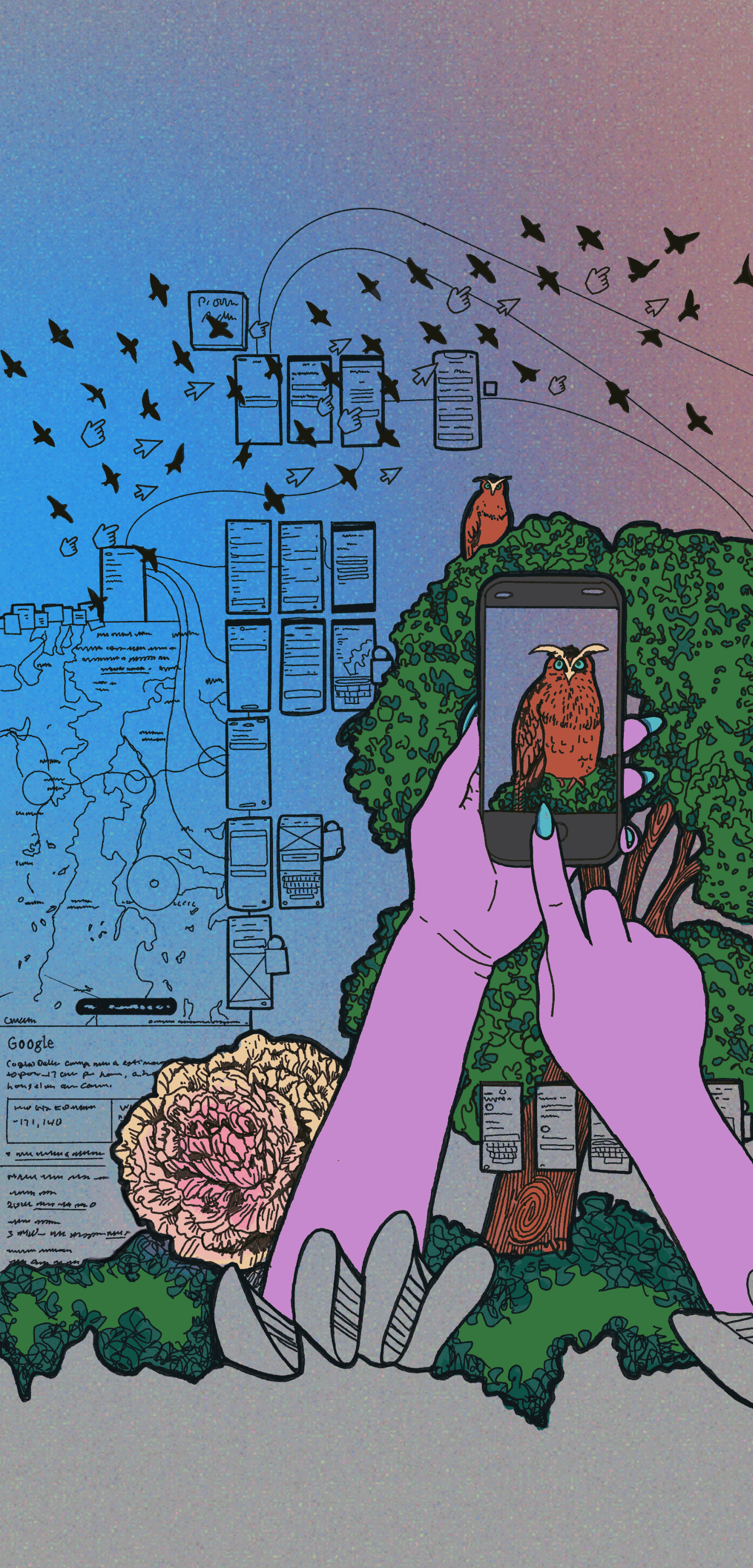
A big part of a baby bangs decision (“the calling,” as some put it) is having a vision. Much like a PRD that grows over time in a context vault, one might accumulate phone screenshots of celebrities with the same face shape, plus the desired bang texture. I followed a similar discovery process with my latest product (gridgap.org).
I used an LLM to conduct market research on opportunities and dropped in URLs and screenshots of aspirational products in parallel industries. I paid attention to layout, tone, navigation, and editorial scope. I also took analog and IRL experiences seriously and remained open to learning about the problem in many ways. Some people would be surprised at how much inspiration flourishes on a hiking trail, in the dusty aisles of a Portland bookstore, or in one’s own backyard garden. I strongly believe that staying grounded in nature, and in the physical world generally, helps us make better digital decisions.
Back to context engineering: in my case, success looks like being able to articulate a vision with references and a persistent memory of what the baby bangs should look like. Anthropic (2025) puts it this way:
“Context engineering refers to the set of strategies for curating and maintaining the optimal set of tokens (information) during LLM inference, including all the other information that may land there outside of the prompts.”
For both products and haircuts, it helps to recognize bad execution and be able to articulate why it’s undesirable (Berries-and-Cream lad vs. retro baddie). For a civic tool, that means having thresholds for data sources, editorial rigor, and a consistent approach to scaffolding the content model that drives the product.
Tooling
It can be tempting for a design strategist to underestimate the importance of tooling in a digital transformation, perhaps seeing it as a minor detail on a service design blueprint or journey map. In reality, tooling can make or break a process, all the way up to an enterprise pipeline. This level of detail isn’t too granular for the next wave of C-suite executives in the age of AI.
Much like the sharp shears needed for that ’90s Winona Ryder fringe, enterprise AI and baby bangs both call for tools that fit the context. I believe the big secret is that there is no single standard workflow or “right” way to do things, just different thresholds for risk and resources. And once your flows grow into a system, you may need another platform above the LLM to run the automation across a sea of data sources and applications. Supermetrics (2026) has a great definition of AI workflow automation:
“AI workflow automation is the use of artificial intelligence to run and improve multi-step business processes that would otherwise take manual effort. Unlike traditional rule-based automation, which follows fixed ‘if this, then that’ logic, it can interpret unstructured inputs, make judgment calls, and adapt as conditions change.”
Strategy
We’ve talked a lot about what success should look like in both baby bangs and digital products. In my experience, a big part of strategy is being able to answer the question, “And then what?” After we launch the thing, execute the plan, or roll out the initiative, what do we expect to happen next? It’s less about success indicators and more about anticipatory conversations.
Sometimes in a corporate environment we can’t quite get there, because the strategy hasn’t considered outcomes and consequences. For a one-person operation, it’s about having a post-launch plan, knowing when to stop and when to press forward, and knowing the compromises you’re willing to make to ship something highly complex. It’s sort of like discovering a cowlick after the bang cut and having to train it with a bobby pin while you sleep.
Separation of concerns
There’s an old-school computer science concept called separation of concerns, and it’s increasingly relevant for AI builders. GeeksforGeeks (2024) has a good summary:
“In the context of software development, Separation of Concerns is a design principle aimed at breaking down complex systems into smaller, more manageable parts.”
When I was building GridGap, I used specific workflows for specific outcomes. For example, I used Claude chat exclusively for context and prompting, with MCP connections to Airtable and Obsidian. Claude chat produced the code blocks, and I pasted them into Claude Code. I didn’t write prompts directly in Claude Code or keep different context windows open in the same session.
I’ve made the mistake of not running a tight ship, and it quickly turned into a mess, with multiple unnecessary agents over-engineering simple tasks. I got super confused, and it took an afternoon to untangle. Ever since, each main component of my workflow has a separate, dedicated use, which keeps me organized and helps with debugging. I’m a team of one with a couple of QA and deployment tools, so organization and separation are a necessity. It’s much like separating your baby bangs from the rest of your hair with a fine-tooth comb when blow-drying.
Final thoughts
I hope this cleared up any questions you had about the parallels between getting baby bangs and setting up an AI workflow, and maybe inspired you to dabble a little. I’d love to hear about your experiences integrating AI-assisted workflows, whether in your personal practice or at scale.